Preview your story
Before publishing a Story and while still editing you can see your Story preview on Slidy.
To access the preview click on the Preview button in the top right corner and have a look at the status quo of your Story.
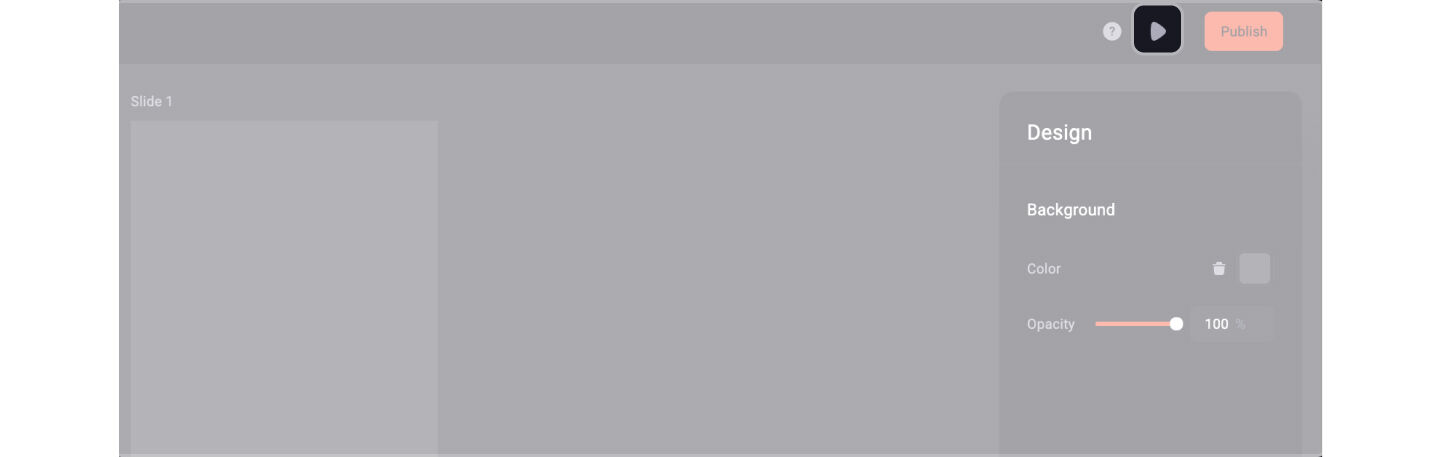
How your preview can look like
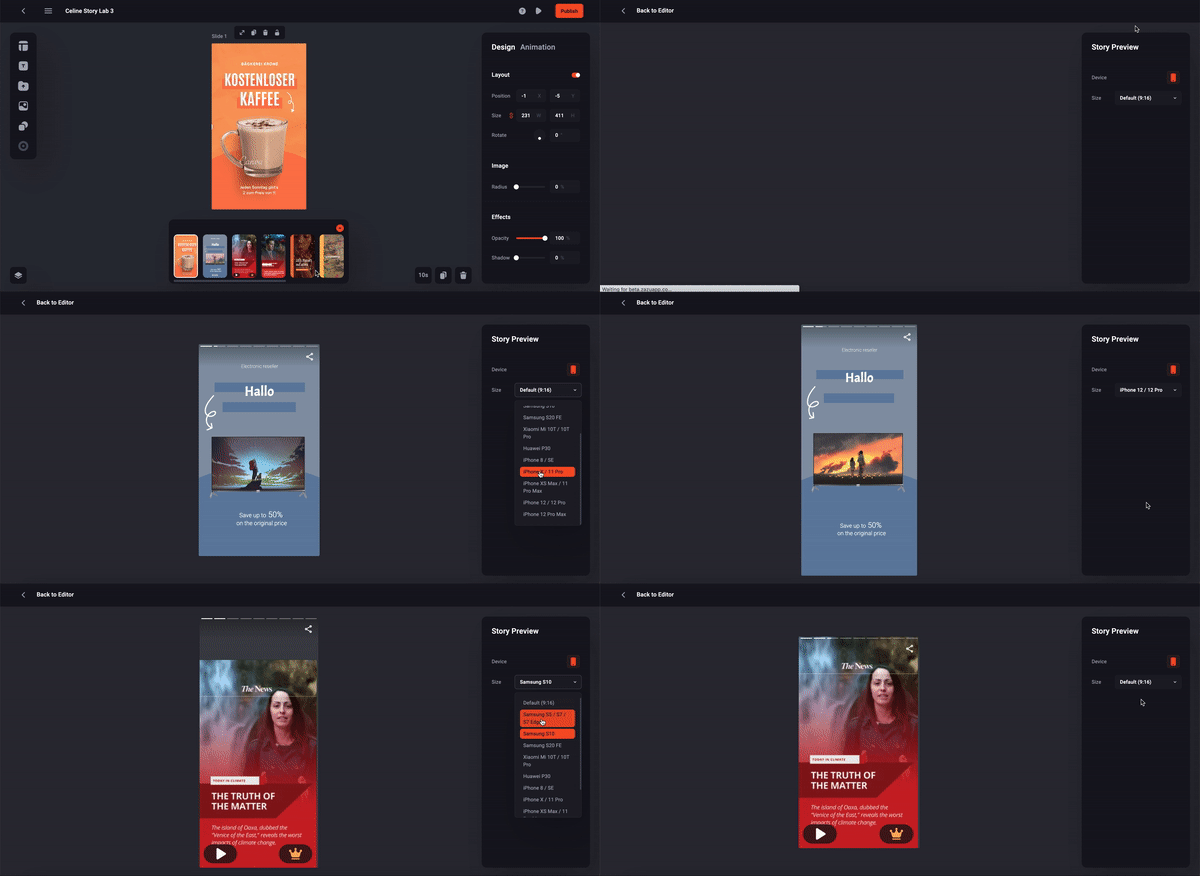
💡Tip: You can adjust the size ratio of your Story in the Story Preview to check the responsiveness for multiple mobile devices
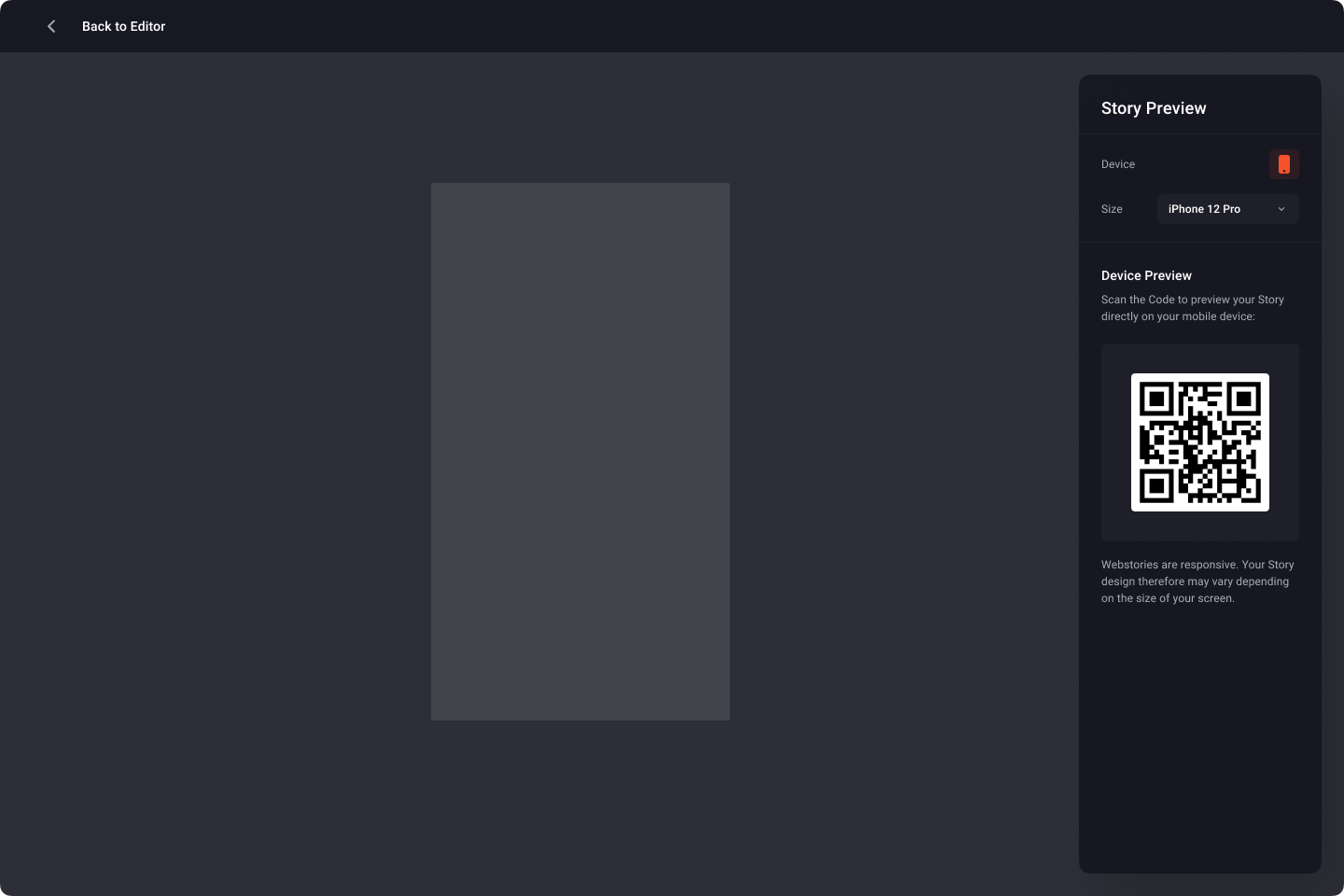
There is also the option to preview the story on your mobile device or share the preview link with your team. To do so simply scan the QR code with your phone camera und visit the link - the QR code is looking like this:
For the other option to get the preview link look at the Navigate your Stories article.