Zoom in and zoom out
Editing with Slidy is easy, fast and highly flexible. The editor's size can now be adjusted to the user's liking!
Follow these easy steps to get familiar with our Zoom In, Zoom Out feature and gain control over the editor while working!
- Select the Zoom component at the bottom left of your screen
- Select the desired zoom ratio to work with
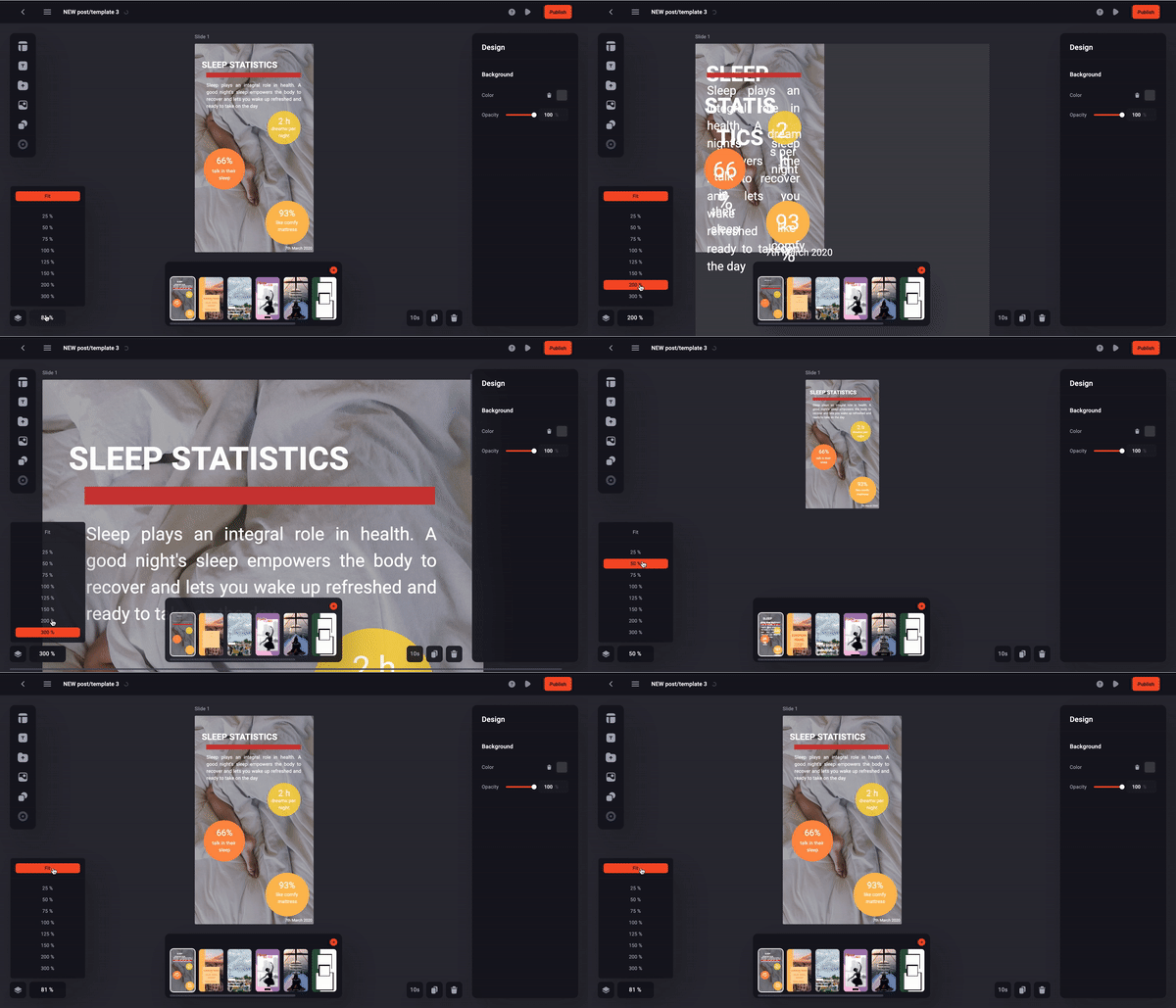
You've now gotten full control over your artboards. Feel free to play around!