Publish on social media
You can publish your Story on your social media channels by following these quick easy steps!
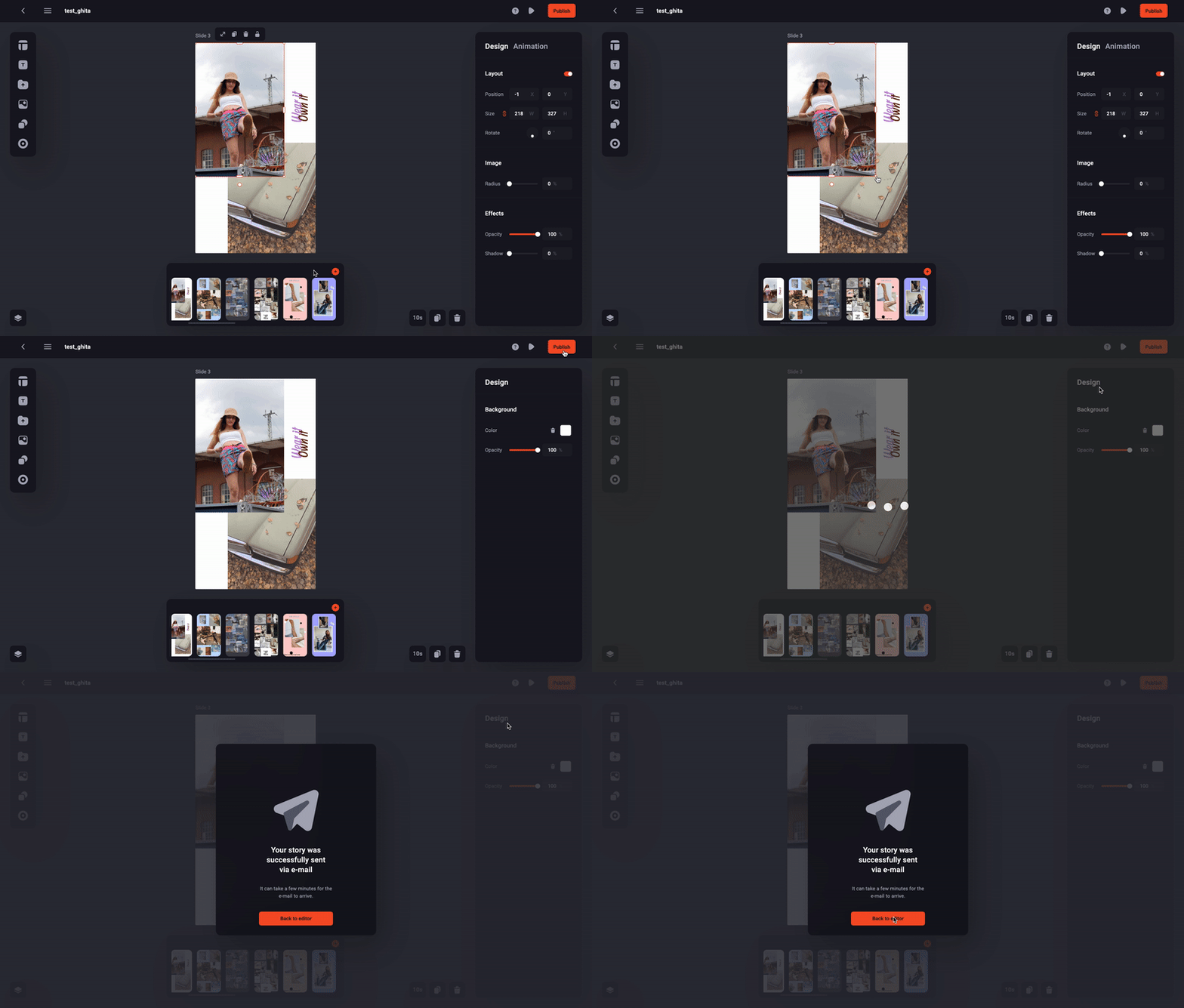
Follow this step-by-step tutorial to get your Stories onto social media in no time:
- Create and edit your Stories in the editor
- Click on the "Publish" icon in the top right corner of the screen
- Click on "Export for social media"
- You'll then receive an email containing your Story as a video file
Each slide is one video, so the more slides you have the more videos you get.
You can download the video(s) from your phone then push it to the social channels.
💡Tip: Once you get your Story as a video file, you can then publish it on any channel
💡Tip: CTAs are only visible on Web Stories, if you want to include CTAs on social media, you need to add them manually on the social media platform
And now your Story is up for the world to admire! 🤩